QR Crafter
Make QR codes that look like yours. Create QR codes for links, WiFi, business cards and events, style them with your colors and logo, or make dozens at once from a CSV. Scan any QR code or barcode too. No account, works offline.
What you get
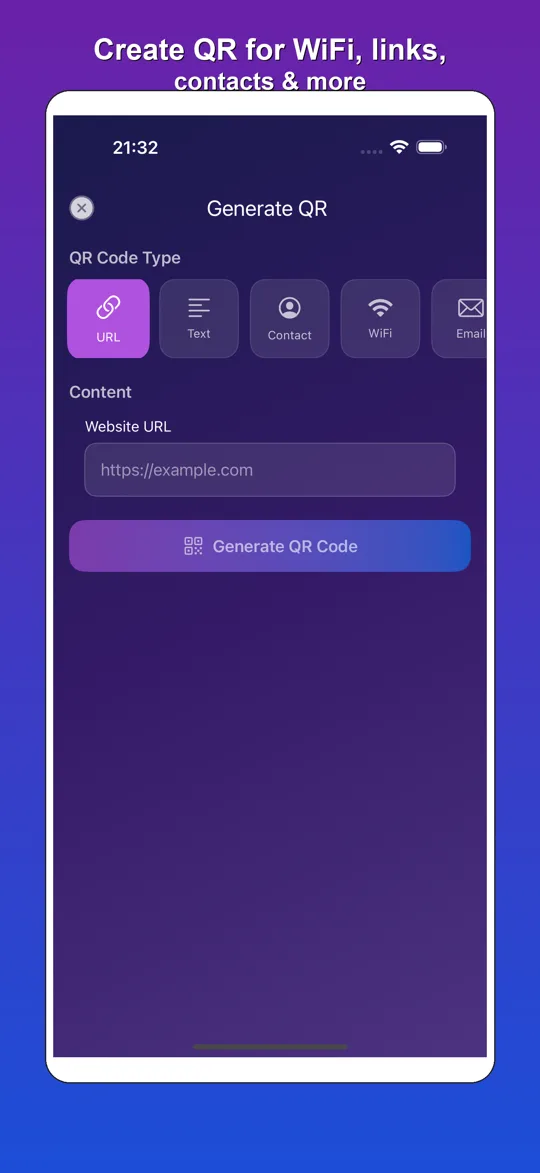
Create any QR code
- Links, WiFi, contacts (vCard), SMS, email, phone, location and calendar events
- Business card QR codes with your name, company and phone
- High resolution export for print, share to any app
Make it yours
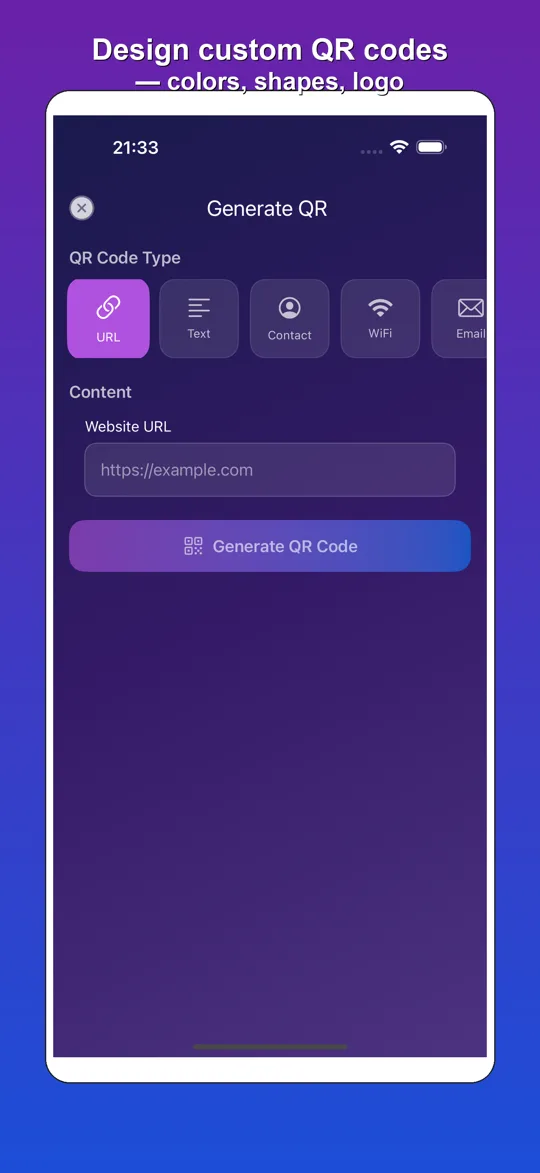
- Your own colors or one of the presets
- Dot and corner shapes, error correction level
- Put your logo in the middle
- On iPhone the style editor is part of Pro
Dozens at once
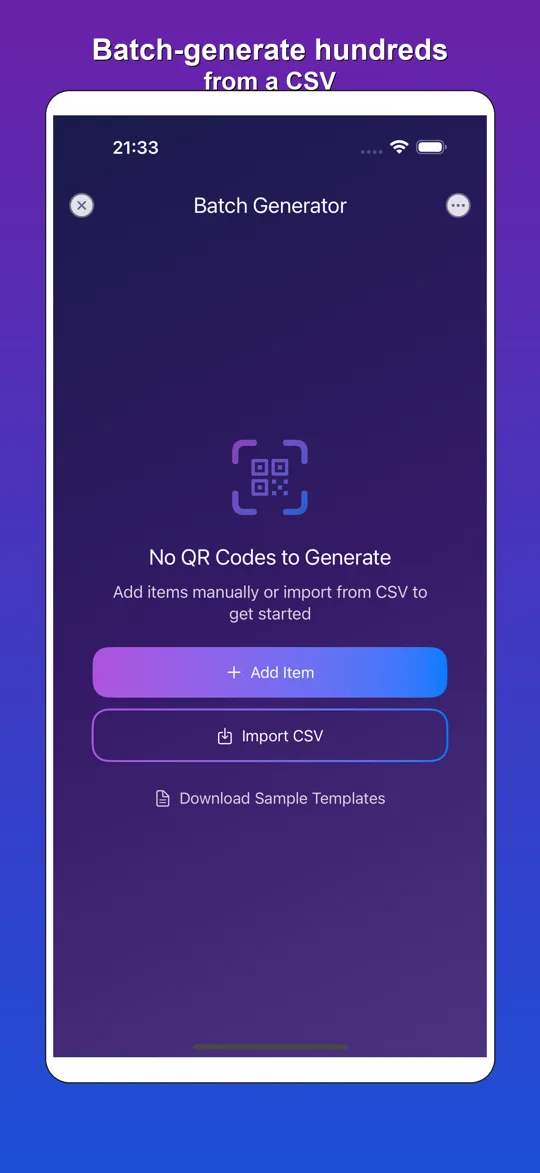
- Batch generation from a CSV file
- Made for product labels, event badges and restaurant menus
- Export all codes in one go
Fast scanner
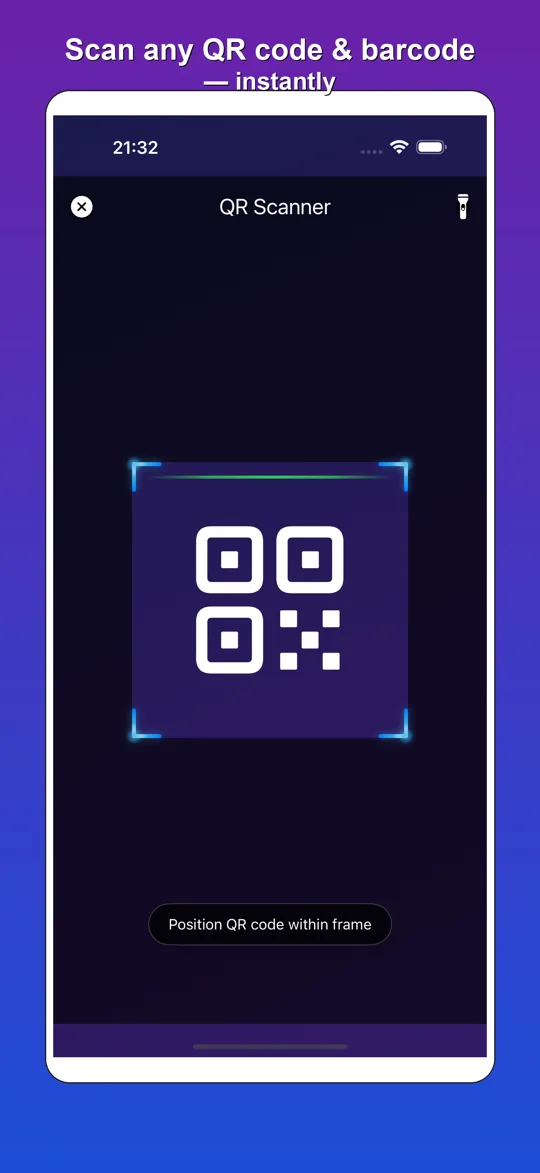
- Scan QR codes and barcodes with the camera
- Scan from a photo (iPhone: Pro)
- Links, WiFi and contacts are detected automatically, flashlight for dark places
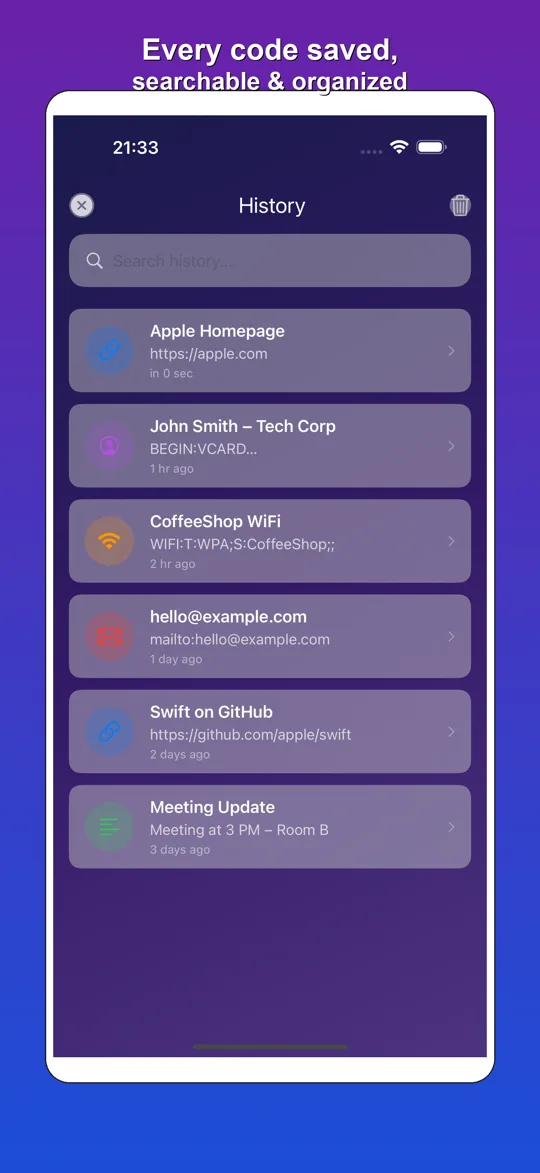
History
- Everything you scanned or created, with time stamps
- Search old codes and share them again
- Export your history as CSV
Your codes stay on your phone
No account and no sign-up. The codes you scan and create are stored on your device, and we run no server that receives them. Scanning and creating work offline.
The free version shows ads from Google AdMob, and Google may collect data such as your advertising ID for them. Where required you are asked for consent first, and on iPhone you choose whether to allow tracking. On Android the app also uses Firebase Analytics and Crashlytics for usage and crash reports; the iPhone app has no analytics or crash-reporting SDK. See the privacy policy.
Free and Premium
Free: scanner, generator for all code types, history and small batches. On Android the style editor is free too. The free version shows ads.
QR Crafter Pro (iPhone): a monthly or yearly subscription that removes the ads and unlocks the style editor (colors, shapes, logo), unlimited batch generation and scanning from photos. Prices are shown in the app in your local currency. You can cancel any time in your Apple ID settings.
Questions
Do I need an account?
No. There is no registration and no login.
Does it work offline?
Yes. Scanning, creating and the history work without internet. Only the ads need a connection.
Do the QR codes expire?
No. QR Crafter creates static QR codes. The content is inside the code itself, so it keeps working forever and there is no tracking link in between.
Can I make a WiFi QR code?
Yes. Enter the network name, password and security type, and guests can join your WiFi by scanning the code.
Can I add my logo and colors?
Yes. On Android it is free, on iPhone it is part of Pro.
How do I create many QR codes at once?
Use batch generation with a CSV file, one row per code. It is useful for labels, badges and menus.
Does it scan barcodes?
Yes, common barcodes like EAN and UPC as well as QR codes.